

Create
Start with a blank canvas and map out the idea. Arrange, align, and style every part with care.
Design diagrams, bring them to life, and share the whole story. All in one simple workspace.
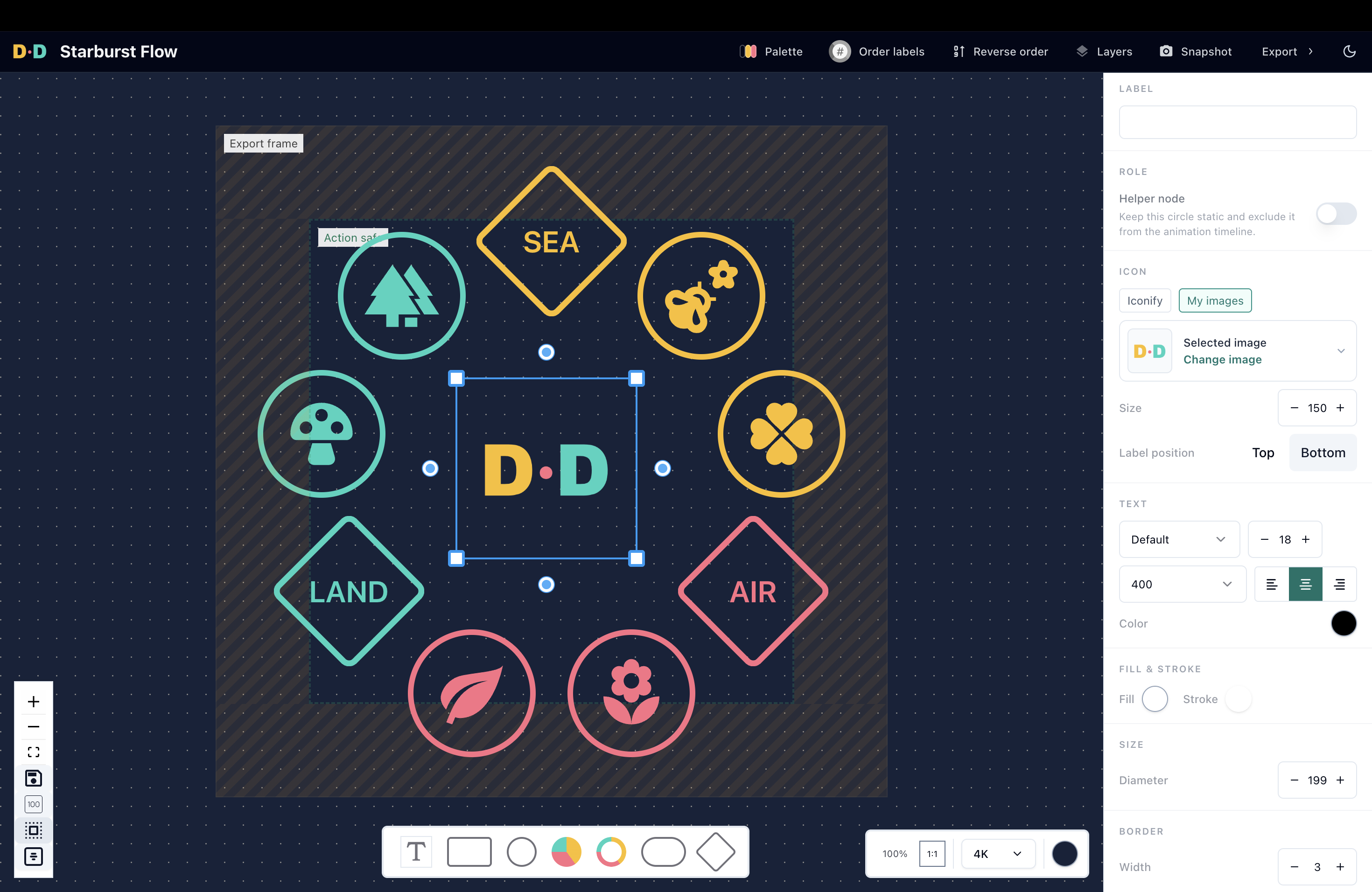
Shapes, styling, animation, and canvas settings stay close to your work, so you can stay close to your idea.
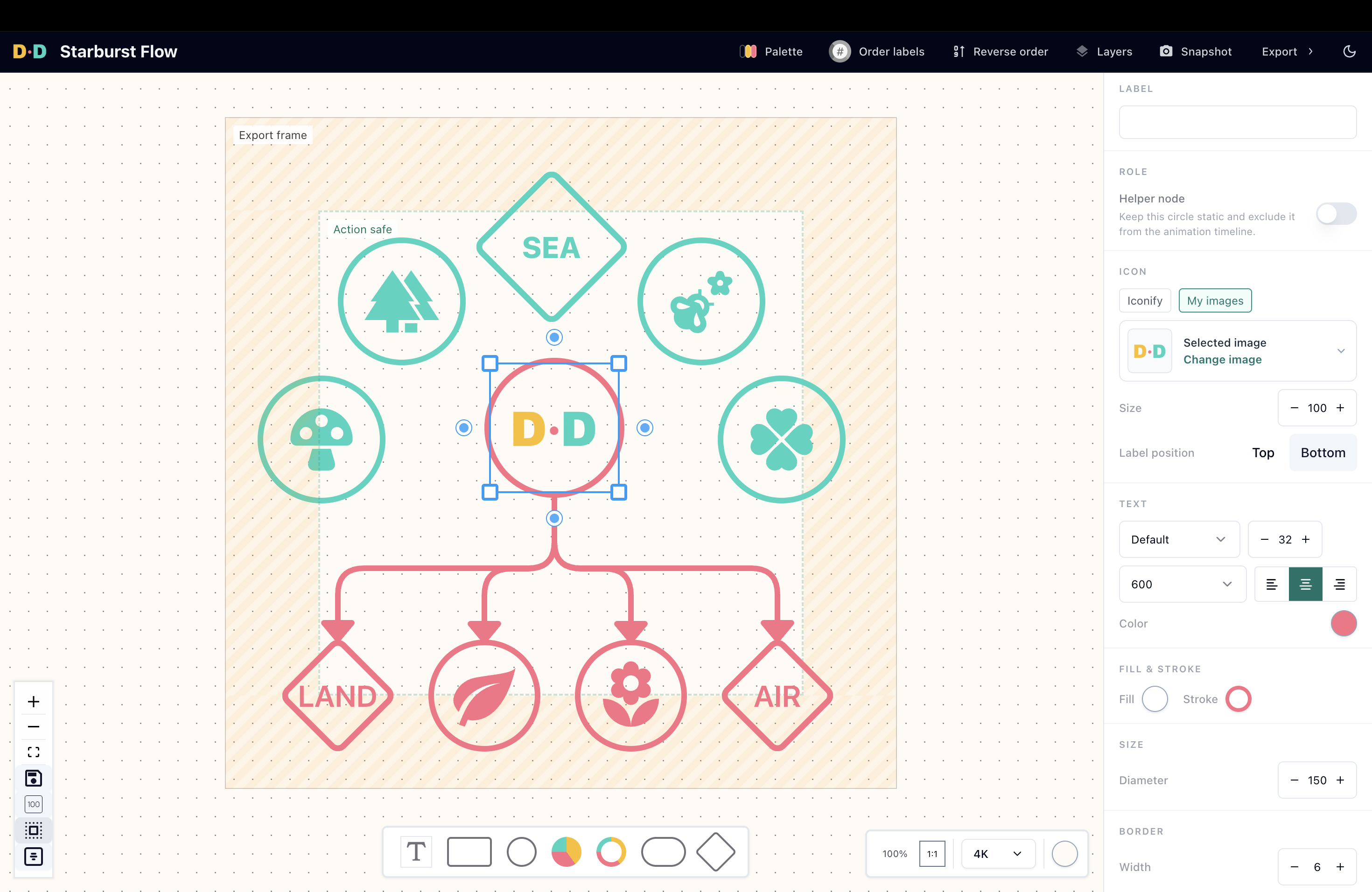
Actual app screen. Switch between light and dark.
Explore the little things that make a big difference to your diagrams.
Build diagrams with shapes made for explaining. Create pie and donut charts, name and colour each segment, and make the details your own.
Try it in the app
Go from rough concept to a visual people understand.
Start with a blank canvas and map out the idea. Arrange, align, and style every part with care.
Choose the order in which parts of your diagram appear and guide the viewer through the story.
Share your finished work as an image or video, with looping GIFs available on Pro.
Make your first diagrams for free, then get more room and ways to share.
Everything you need to create and share your first diagrams.
More space, formats and tools for your finished work.
Or USD $100/year · two months free
Prices are in USD and include tax. Pro subscriptions renew automatically until cancelled. Eligible first subscriptions include a 7-day trial with a payment method.
An animated diagram reveals shapes in a chosen sequence instead of showing everything at once. In Diagrams.Design, you number shapes to control when each appears, so an explanation can unfold step by step.
Create a diagram in your browser, number the shapes in the order they should appear, then preview and export the animation. Change the sequence by editing the numbers.
The Free plan supports PNG, JPEG and MP4 exports, with video up to 1080p. Pro adds GIF, WebM and WebP exports and video up to 4K.
No. Diagrams.Design runs in a web browser. You can sign in to save and edit your diagrams.
Product news and a closer look at how diagrams tell stories.

A refreshed workspace, more creative freedom, powerful editing tools, and a faster way to bring your diagrams to life.
Read the article
Learn why I built Diagrams.Design - an app that lets you create diagrams, animate them, and export crisp explainer videos… all in one place.
Read the articleOpen Diagrams.Design and turn your thinking into something everyone can see.
Start creating